How it works
Three layers
Any AI that does real work for a business is three layers stacked: the data, the model and the harness. The data is what your business knows, and it is the layer we build with you, on your own storage. If you can use folders and email, you can use it.
Everyone can subscribe to the same model and use the same app, so the data is the only layer where your business has an advantage of its own. Most tools cover only one or two of the layers.
Harness
the app it works through
The Claude desktop app, and others
Model
the AI itself
Claude, ChatGPT, Gemini
Data
The layer we build with youwhat your business knows
Your files, a fixed set of folders, house rules the AI re-reads each session, and the connections to your systems
Layer 1
Data (what your business knows)
This layer decides how well any AI can work for you, and it is the only one that belongs to you alone. We set it up as a knowledge base of your whole business: every customer, supplier, project and decision, with the history behind it. It is a folder you copy, with no program to install: plain files on your own storage. It is built on para-os, the free, open-source kit we built. We set it up, and you keep it.
Built by TrotStar Technologies
para-os
Free and open source. It includes the PARA folder structure, the house rules, the skills that run them, and a complete fictional example knowledge base.
How it is organised
The knowledge base is organised like a filing cabinet: four drawers, and one page of instructions on the door, written once and followed by people and by AI. The instructions are what separate it from a shared drive. The drawers follow PARA, a filing method that sorts information by how you use it rather than by topic:
Time-bound work with a deliverable or deadline. One folder each.
Ongoing responsibilities and the people you deal with.
Reusable reference, and ideas not yet committed to projects.
Anything finished or inactive, kept for the record.
An inbox for anything you can't file straight away. The assistant files it for you later.
Connections
The knowledge base is connected to the systems your work lives in, with ready-made connectors where they exist:
Layer 2
Model (the AI itself)
Claude, ChatGPT or Gemini. The model is a product you subscribe to, and it is the same for everyone. Claude is our recommendation today because it works best with this type of knowledge base, but the files are plain text that any capable AI can read.
Bring your own agent
The knowledge base is not tied to one AI provider. It already runs unchanged on Google's AI as well as Claude. Nobody knows where AI will be in six months, so the sensible bet is the layer that does not change: your own data in ordinary files. If a better AI comes along, you switch with little effort and keep the knowledge base.
Layer 3
Harness (the app it works through)
The app the model works through. It lets the AI open files, read mail and carry out tasks instead of only chatting. We recommend the Claude desktop app, opened on your folders: you ask in plain language, the assistant edits the files, and you see the result straight away. Claude Code in a code editor is the route for power users.
We build neither the model nor the harness and sell no software of our own. We help you choose them, set the harness up on your data and teach your team to get the most out of the model.
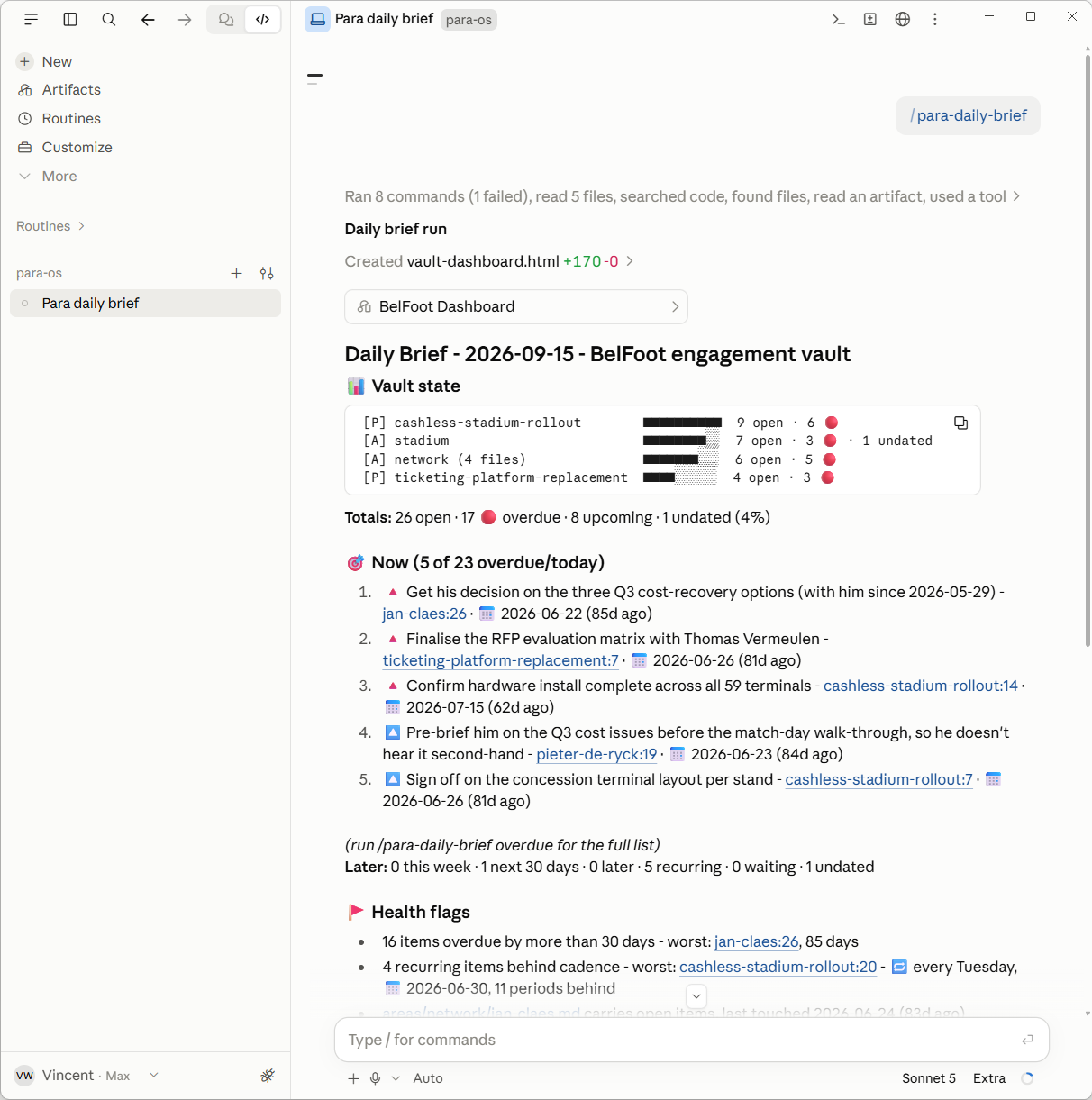
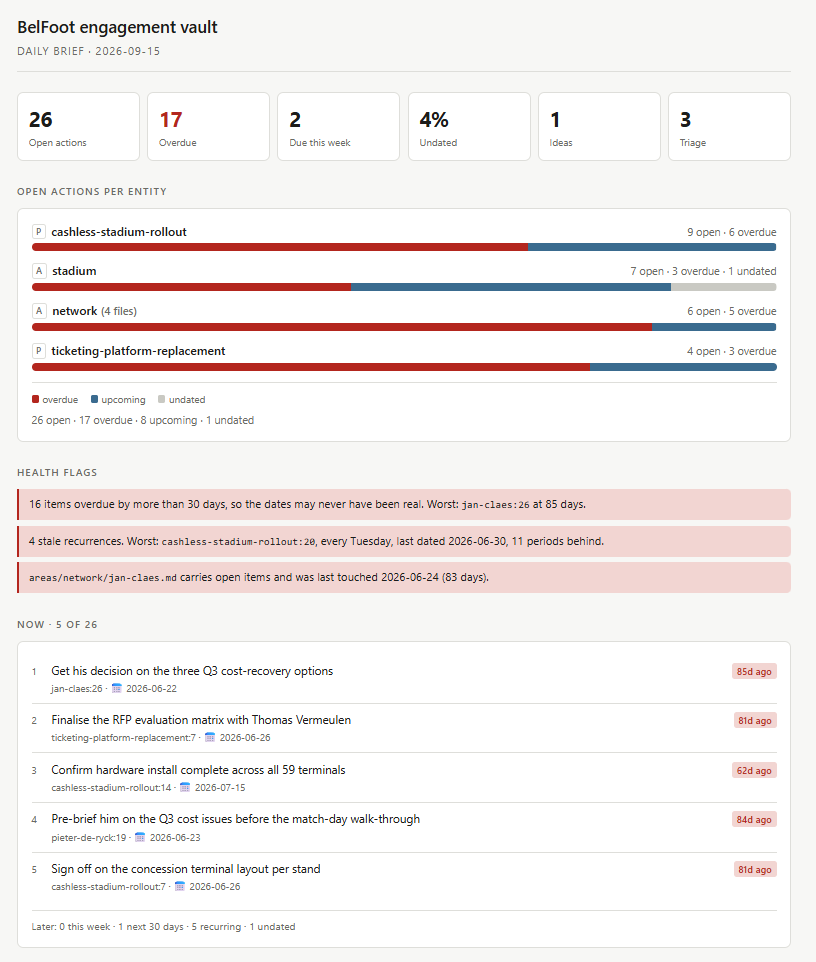
Book a free demo
A short conversation, followed by a demo built live around your business. It takes about an hour, with nothing to prepare and nothing to hand over.
The goal is that you walk out saying "I get it". If the demo shows no clear value within 30 minutes, it stops there.
If it clicks, one meeting with whoever signs, to agree what it should achieve. Then the first paid step, the AI readiness scan, paid by the hour with a maximum agreed with you before it starts.
Based in Belgium. Demos, interviews and working sessions on site anywhere in Belgium, and remote for the Netherlands and the rest of Europe.